Sign In
The sign-in option is used to enhance security and provide personalized access to accounts and devices. Signing into FireFlink is essential for accessing project workspaces, managing test automation activities, and utilizing platform-specific features tailored to the user's role and permissions.
Steps to Sign In Into FireFlink
- Registered users can access the FireFlink platform by navigating to the FireFlink website using the URL - https://fireflink.com and selecting the Sign In option located in the upper-right corner of the homepage ,as shown below.

- Upon selecting the Sign-In option, the Region Selection popup is displayed. Users must choose the appropriate region based on their preference or account location.
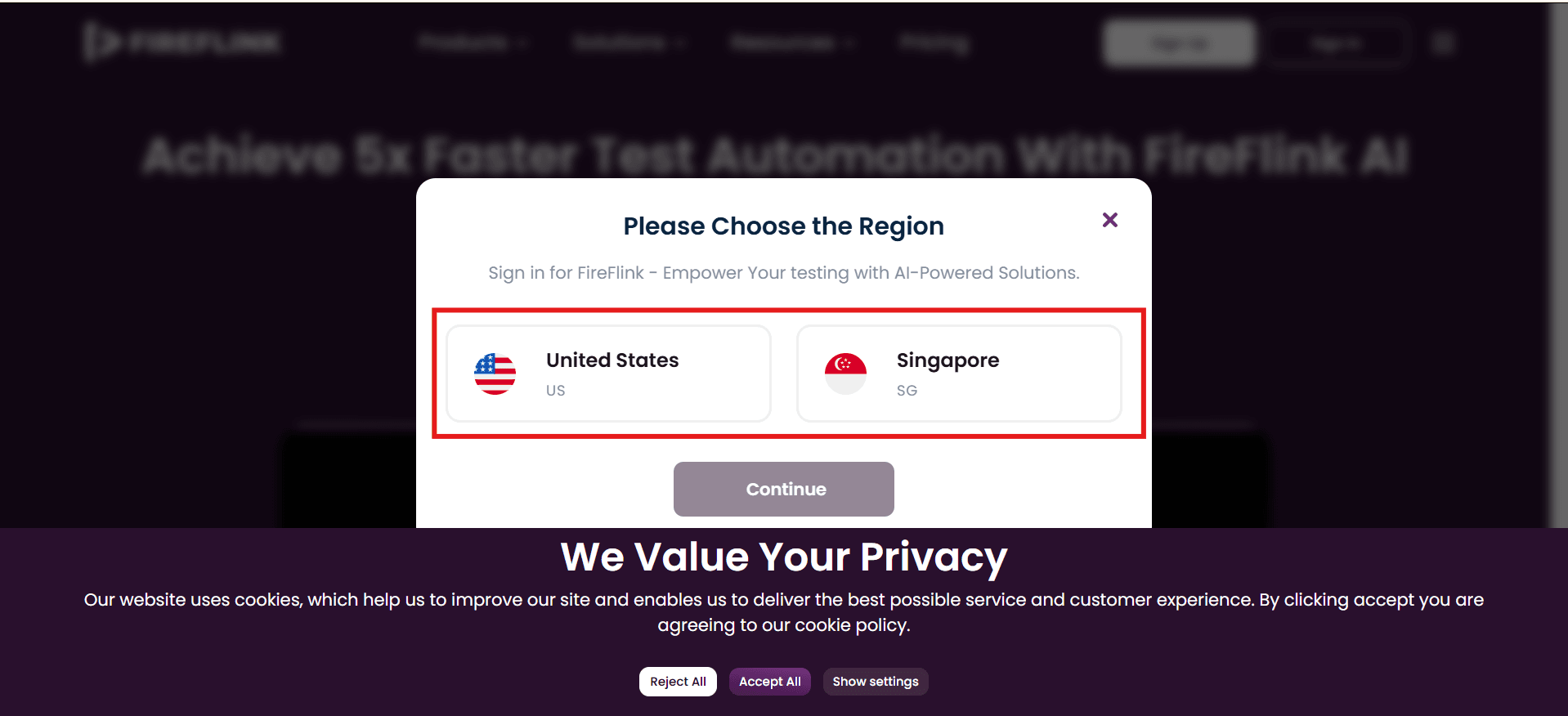
- After selecting the required region, click on the Continue button to navigate to the authentication/Sign in page.
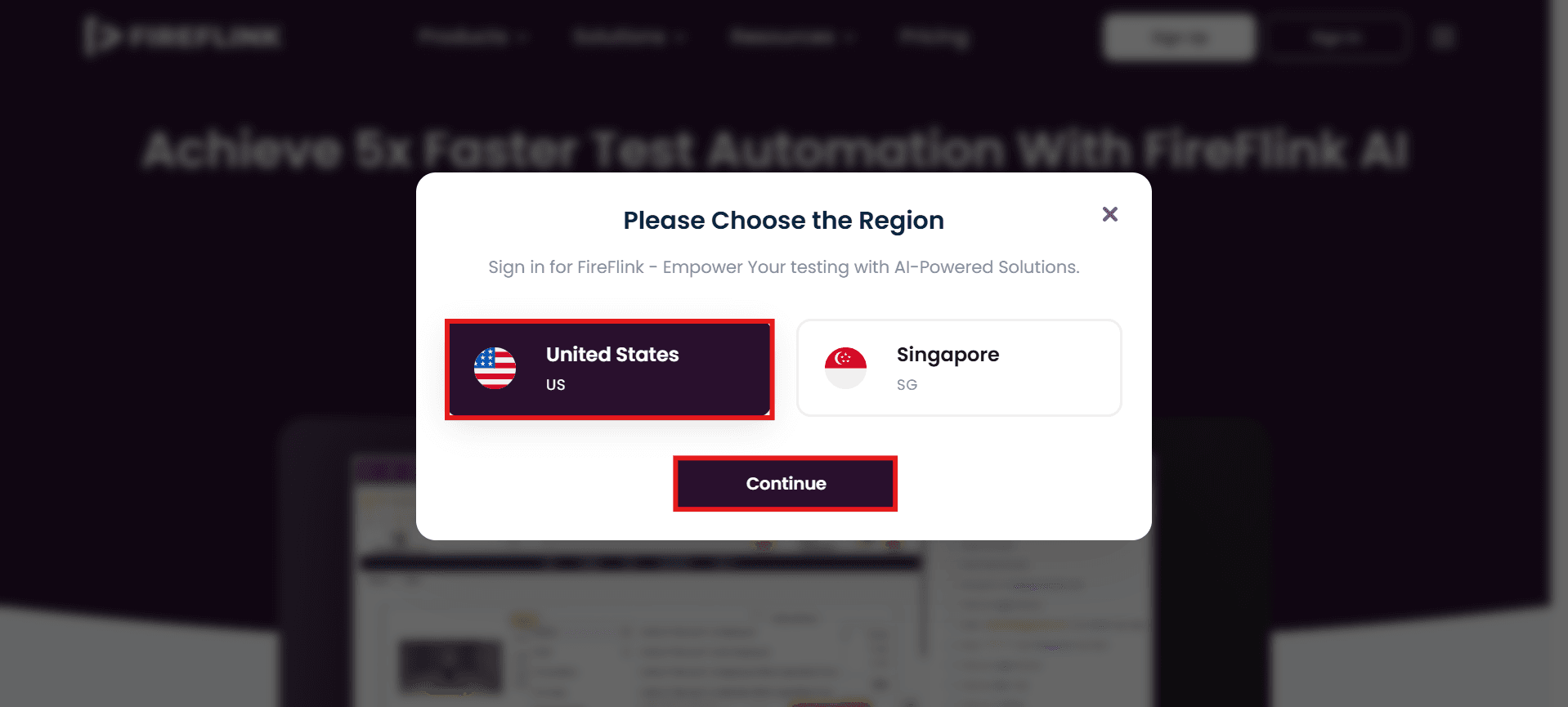
- After clicking the Continue button on the pop-up, the user is redirected to the Sign In page.
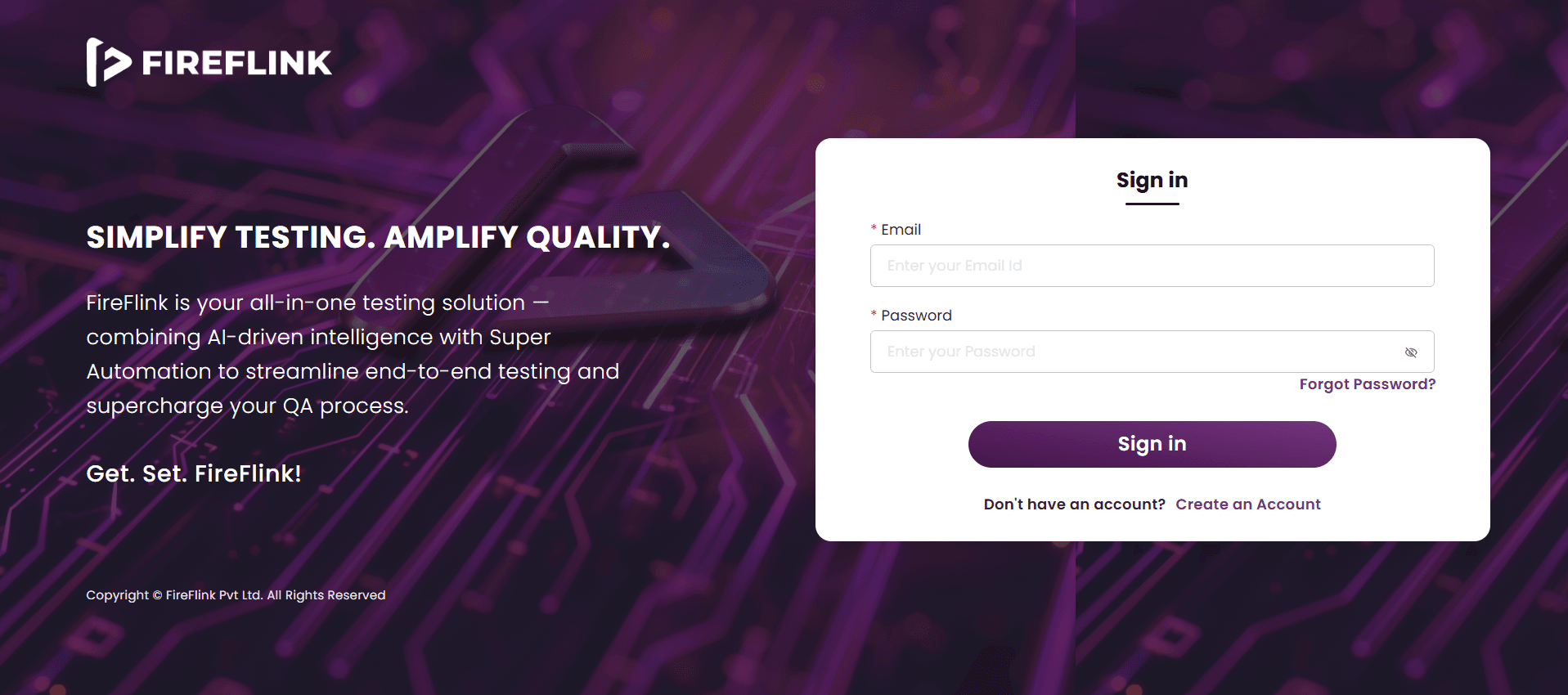
- User can enter the registered Email ID and Password in the respective fields, then click the Sign In button to proceed, as shown below.
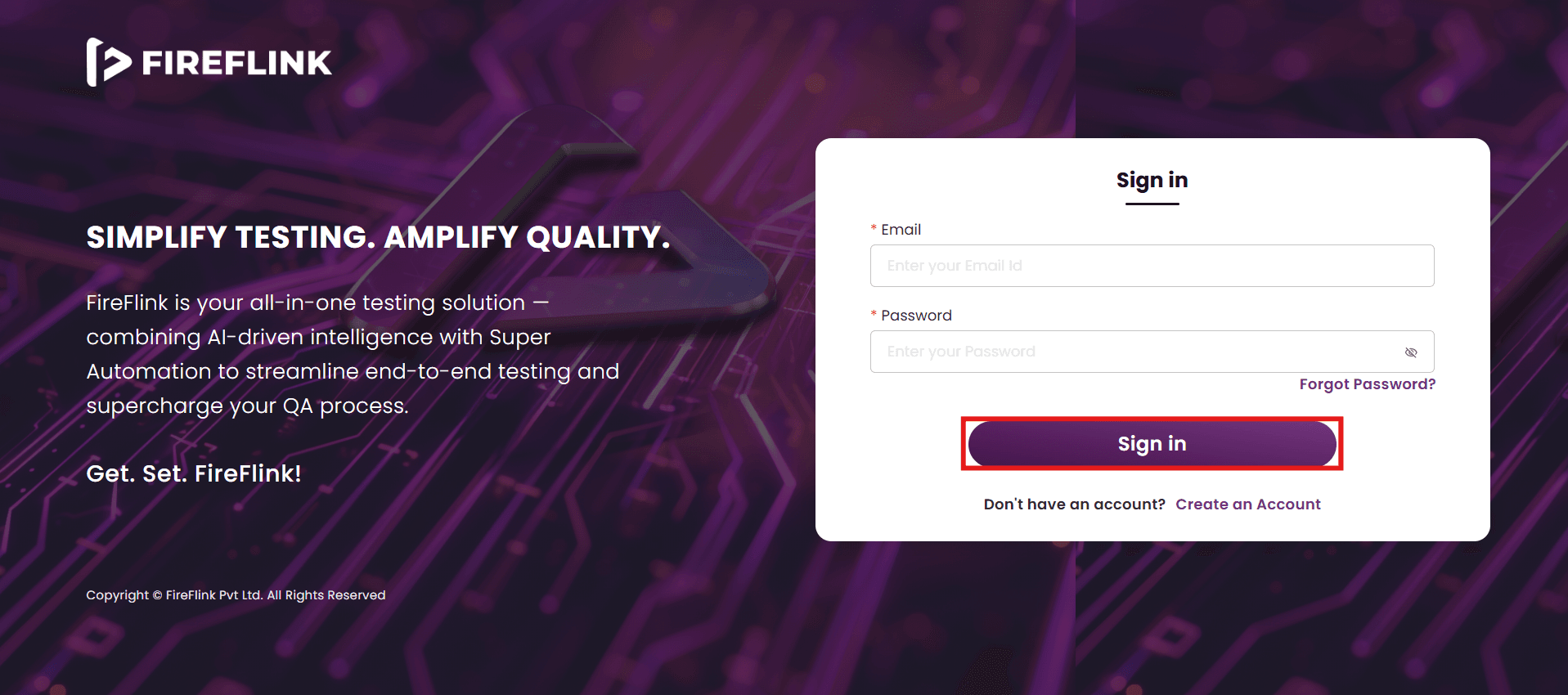
- After clicking on the Continue button, the Offerings Selection page is displayed, allowing users to choose the required FireFlink service to proceed further.
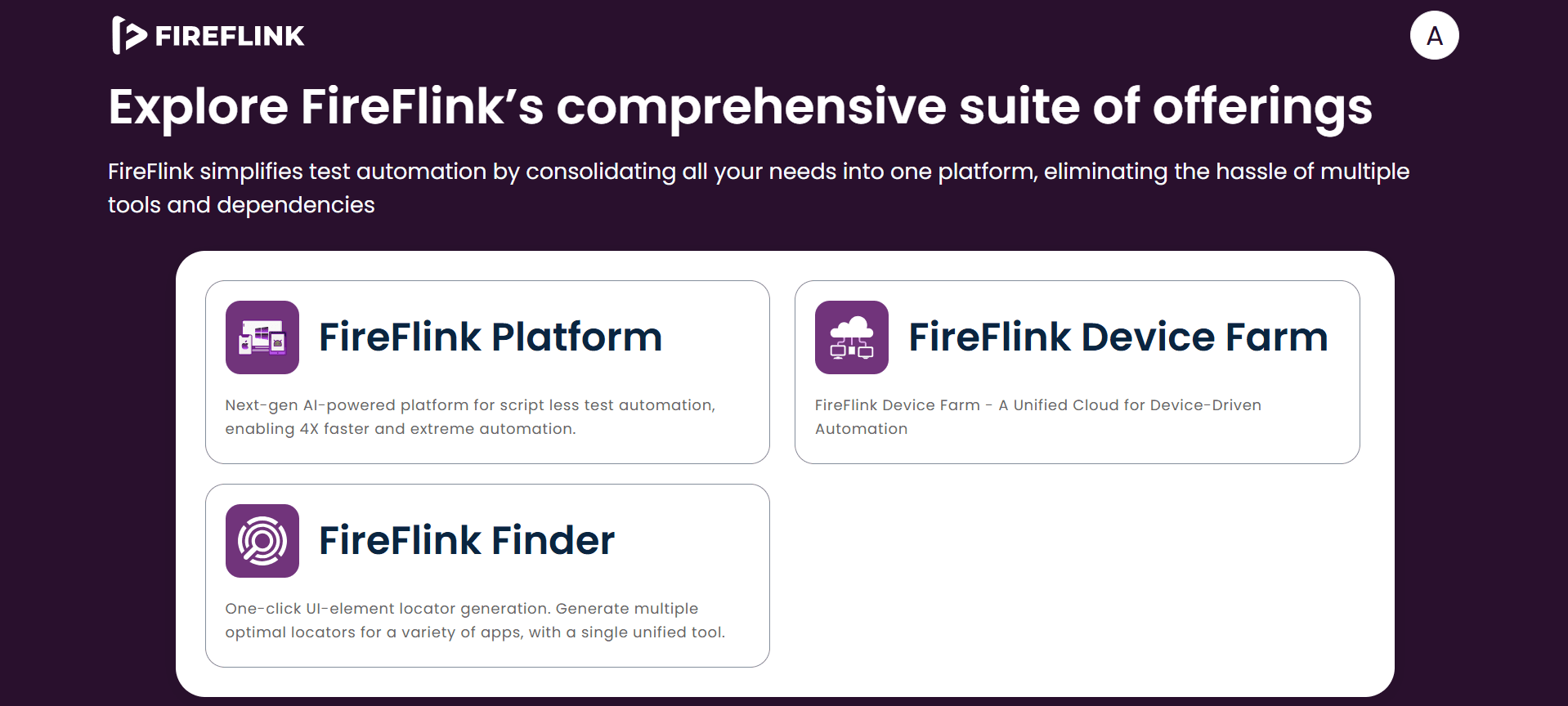
- Select the FireFlink Platform option to manage automation initiatives, create projects, and perform testing activities based on the user’s requirements.
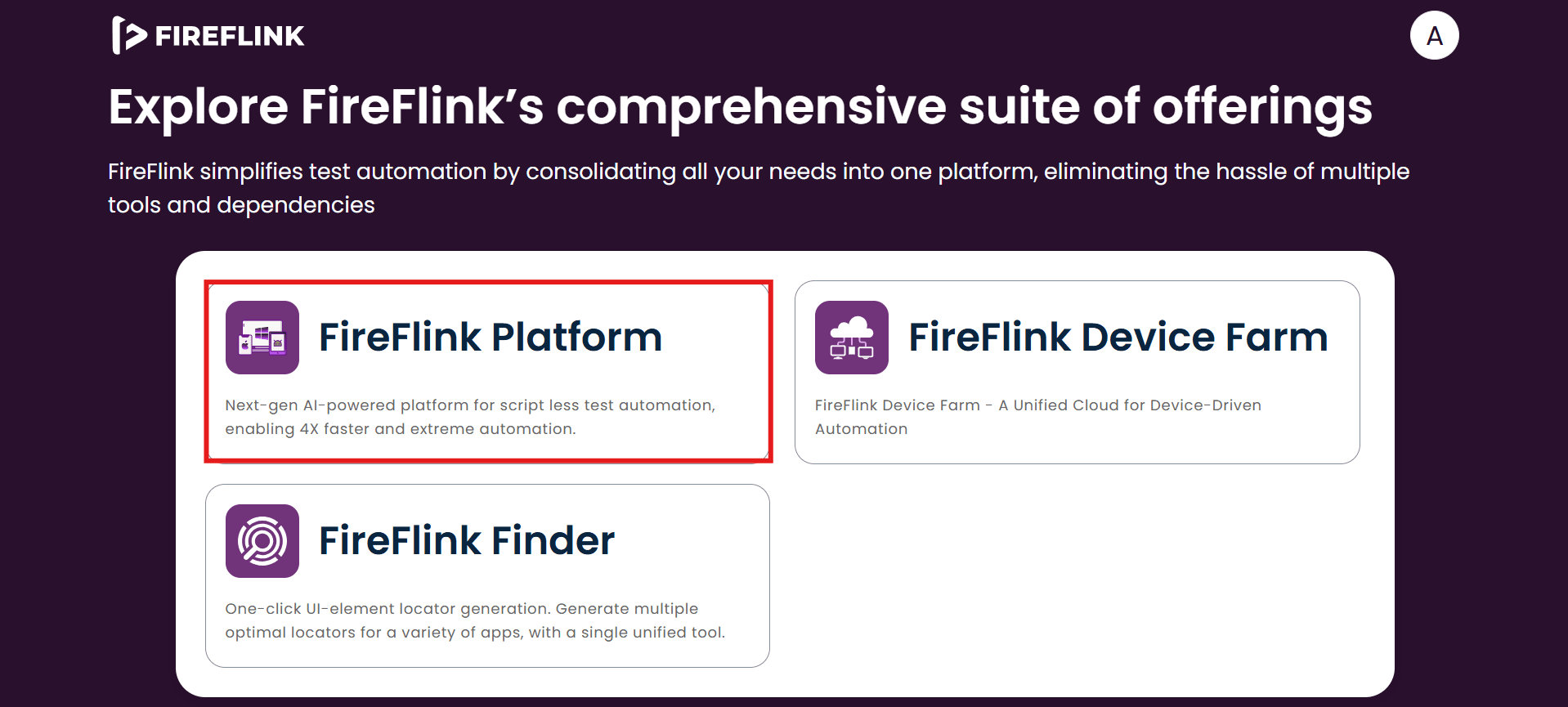
- After selecting the FireFlink Platform, the user is navigated to the All Projects section within the platform. From this page, users can view, manage, and initiate test automation projects based on their access permissions and project requirements.
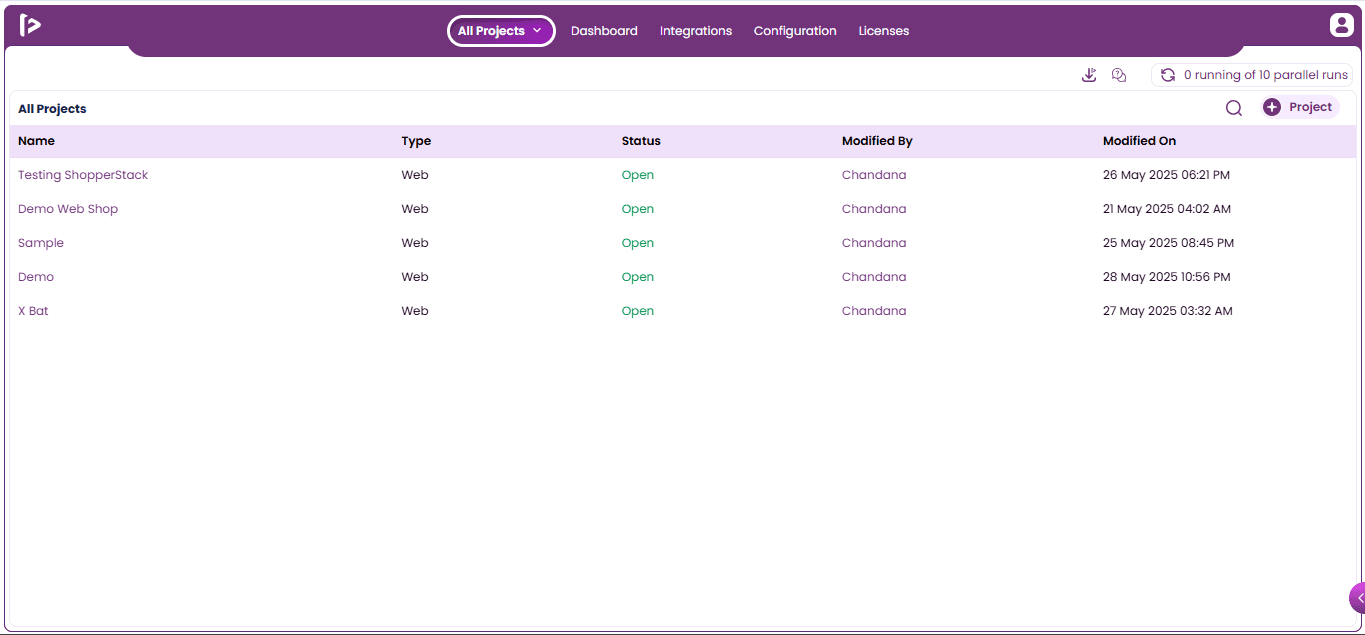
Note: The login process remains the same, where users must select the required region and click on Continue to proceed further.